LED Display
The product’s power status, communication status, and error status are indicated by the LED.
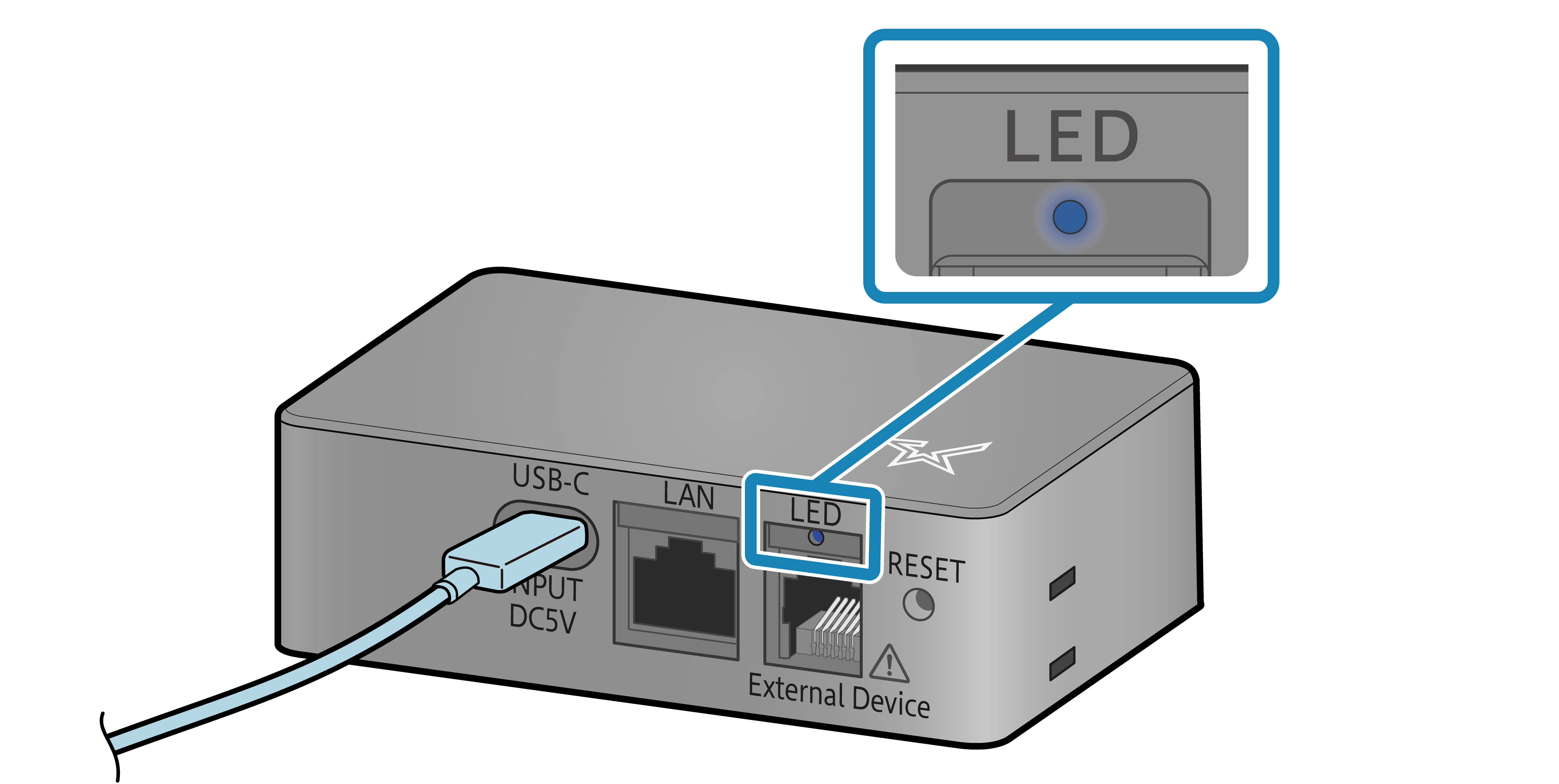
In normal use
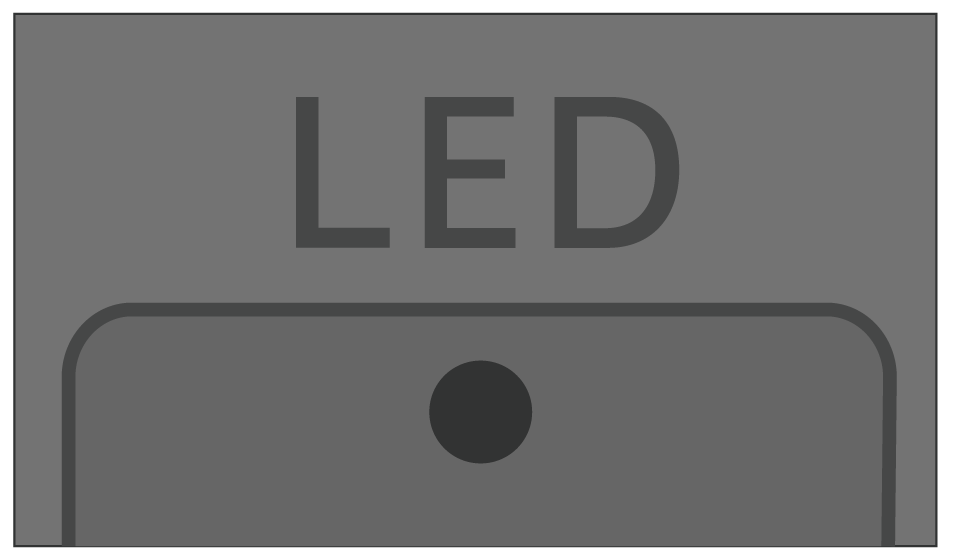
Power off status.
Turn ON/Off Power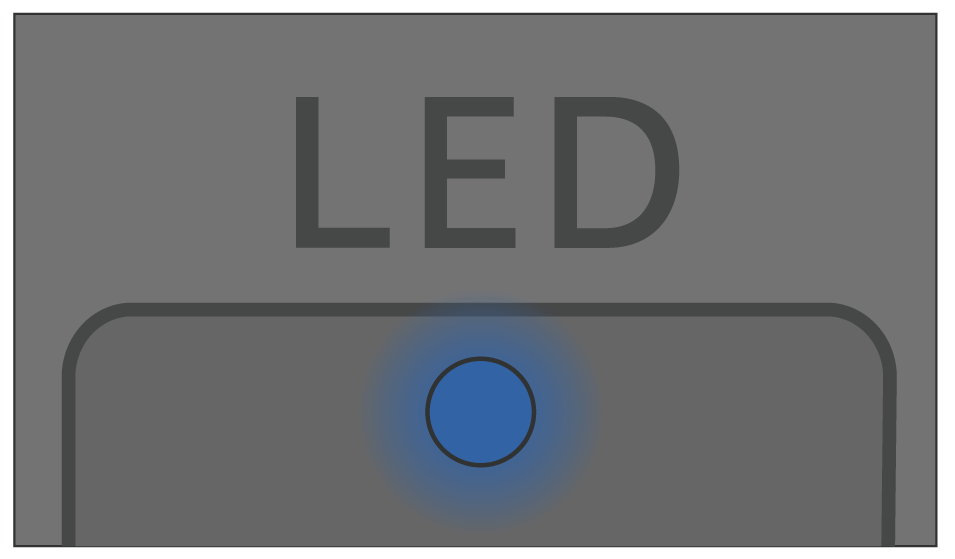
Power on status.
When you turn on the power, the LED lights up red and then changes to blue or green according to the network connection status.
Bluetooth LE connection display
This product is communicating with a host device via Bluetooth LE.
The product is not connected via Bluetooth LE.
Not connected to any host device.
Network link display
The status of the wireless LAN or wired LAN connection is displayed.
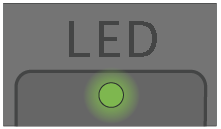
A connection between the product and the destination network is established, and TCP/IP communication is enabled.
For wireless LAN connection
Connection to the access point was disconnected.
Check that the access point you want to connect to is running and that the product’s wireless LAN settings are correct, then turn the power off and on again.
Connect with Wireless LAN
For wired LAN connection
Connection between the product and the destination network such as a router or hub was disconnected.Check and make sure that the LAN cable is correctly connected.
Connect LAN Cable
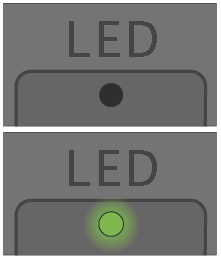
When DHCP enabled
IP address cannot be acquired from the network.
If a DHCP server is used, check the operations of the DHCP server.
If a DHCP server is not used, set an appropriate IP address.
When DHCP disabled
IP address: 0.0.0.0 is set.
After initializing the communication settings, set the correct IP address.
When You Cannot Connect (Initialization Procedure)
Connect with Wireless LAN
Connect with Ethernet
Error display
Try turning the power off, and then on. If the same error is displayed even after the power is turned on again, contact the seller.
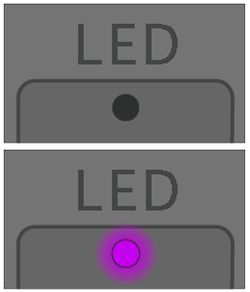
A non-recoverable error has been detected, such as a FLASH access error, firmware rewriting error, or cash drawer connection error.
Check that the cash drawer is not malfunctioning and that it is connected properly. Then try turning the power off and on again.
If the same error is displayed even when the cash drawer is not connected after restarting the product, contact your seller.
Turn ON/Off Power
Display of firmware status
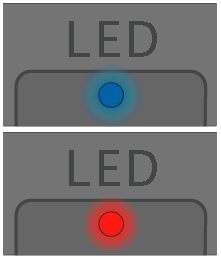
This indicates that the product firmware is being updated.
During the update, the LED flashes red and blue alternately in an irregular pattern. When the update is complete, the LED returns to solid blue or green.