Use App
With the dedicated app (Star Quick Setup Utility or Star Windows Software), you can use the following functions.
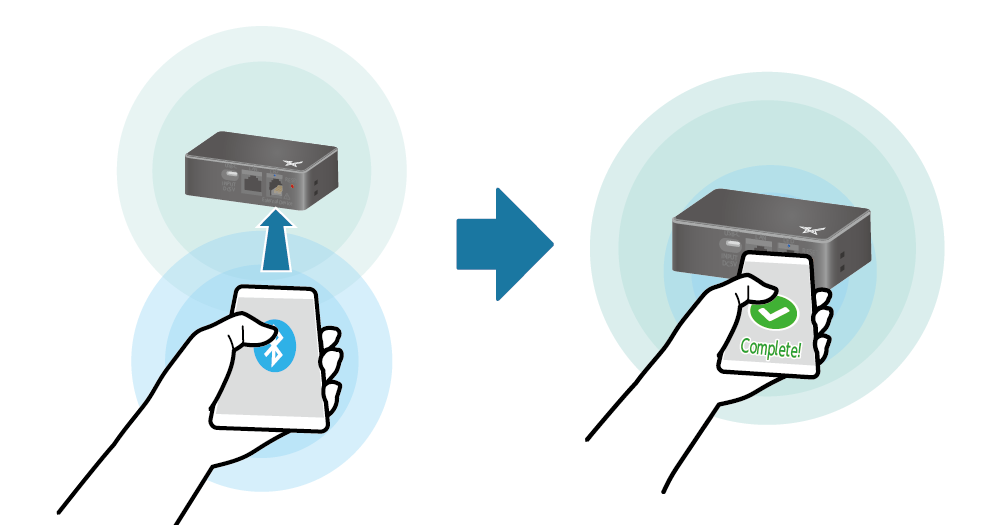
- Wireless LAN connection using Bluetooth LE
- Wireless LAN can be easily connected using Bluetooth Low Energy.
- Firmware update
- Download the latest firmware and update the firmware safely.
With Star Quick Setup Utility (iOS, Android), you can update the firmware by selecting [Change device settings] - [Firmware update]. With Star Windows Software (Windows), set up the connection, and then select [Firmware update] to update the firmware.
- Network settings using Bluetooth LE or USB connection
- Check and change the network settings from the host device connected via Bluetooth LE (iOS, Android) or USB (Android, Windows). This enables you to specify the static IP address of the product via a PC or tablet in an environment where a DHCP server is not available.
- Connection check
- By connecting from the dedicated app, you can easily check the connection between your host device and the product.
- Change detail settings
- Configure detail settings on the screen.
- Wireless LAN Troubleshooting
- Identify troubles occurring during wireless LAN operation and support the subsequent actions.
Refer to the appropriate information for your usage environment.
iOS, Android
Windows
iOS, Android
Star Quick Setup Utility download
To download Star Quick Setup Utility, access the following URL from your iOS or Android tablet or smartphone and download it.
Download siteWhat Star Quick Setup Utility can do
Installing Star Quick Setup Utility enables you to use the following functions.
Operating environment
Windows
Star Windows Software download
Download Star Windows Software from the following website.
Memo
When using a Windows11 device equipped with "S mode", apps other than Microsoft Store apps cannot be installed (executed). If it is not possible to install Star Windows Software, check the Windows settings.
What Star Windows Software can do
Update the product firmware.
Check the operation and status of the cash drawer connected to this product.